
Good design is not just about looking attractive, it's about how easy and enjoyable a product is to use. UI and UX are two sides of the same coin.
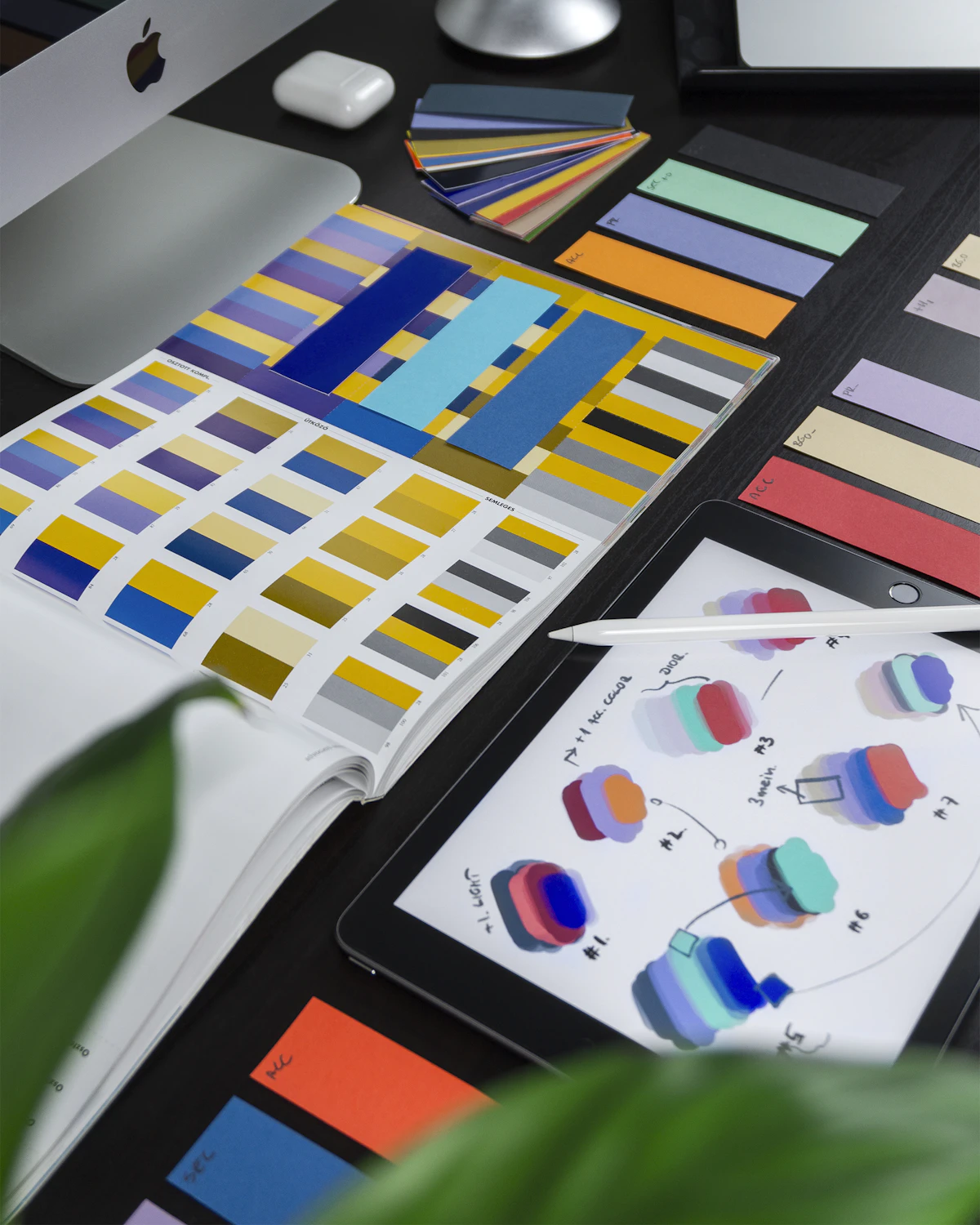
UI vs UX: What's the Difference?
UI (User Interface) covers the visuals, colors, buttons, typography. UX (User Experience) covers the overall experience, how easily users reach their goals. A beautiful UI with confusing UX still fails, because users abandon a product the moment they can't accomplish what they came to do.
"Every $1 invested in UX returns an average of $100, one of the highest ROIs of any digital investment a product team can make."
Forrester UX ROI Research
Essential Principles
| Principle | What it means in practice |
|---|---|
| Simplicity | Remove anything that doesn't serve the user's main goal |
| Consistency | Same patterns throughout, so nothing has to be relearned |
| Visual hierarchy | Guides the eye to what matters most first |
| Feedback | Gives a clear response to every user action, no dead ends |
Test With Real Users
Designer assumptions often differ from real user behavior. Usability testing reveals problems invisible on paper, a flow that seems obvious to the person who built it can be completely confusing to someone seeing it for the first time.
Quick test: hand your product to someone who has never seen it and watch them try to complete one core task without guidance. Where they hesitate is exactly where your design needs work.
Frequently Asked Questions
Does good UI/UX require a large design team? No. Even one person applying these core principles consistently can dramatically improve a product, the principles matter more than team size.
How often should usability testing be done? Ideally before any major feature launch, plus periodic check-ins every few months, since user expectations and behavior shift over time even when the product doesn't change.
Conclusion
Great UI/UX reduces friction, increases satisfaction, and ultimately drives conversion and loyalty.


